


Four hundred units meeting in the middle of the map is the shape of a real time strategy fight, and it is also the single worst thing you can ask an animated character renderer to do. Every one of those units normally carries its own skeleton, its own animation playback and its own posing work on the processor, every frame, before a triangle is drawn.
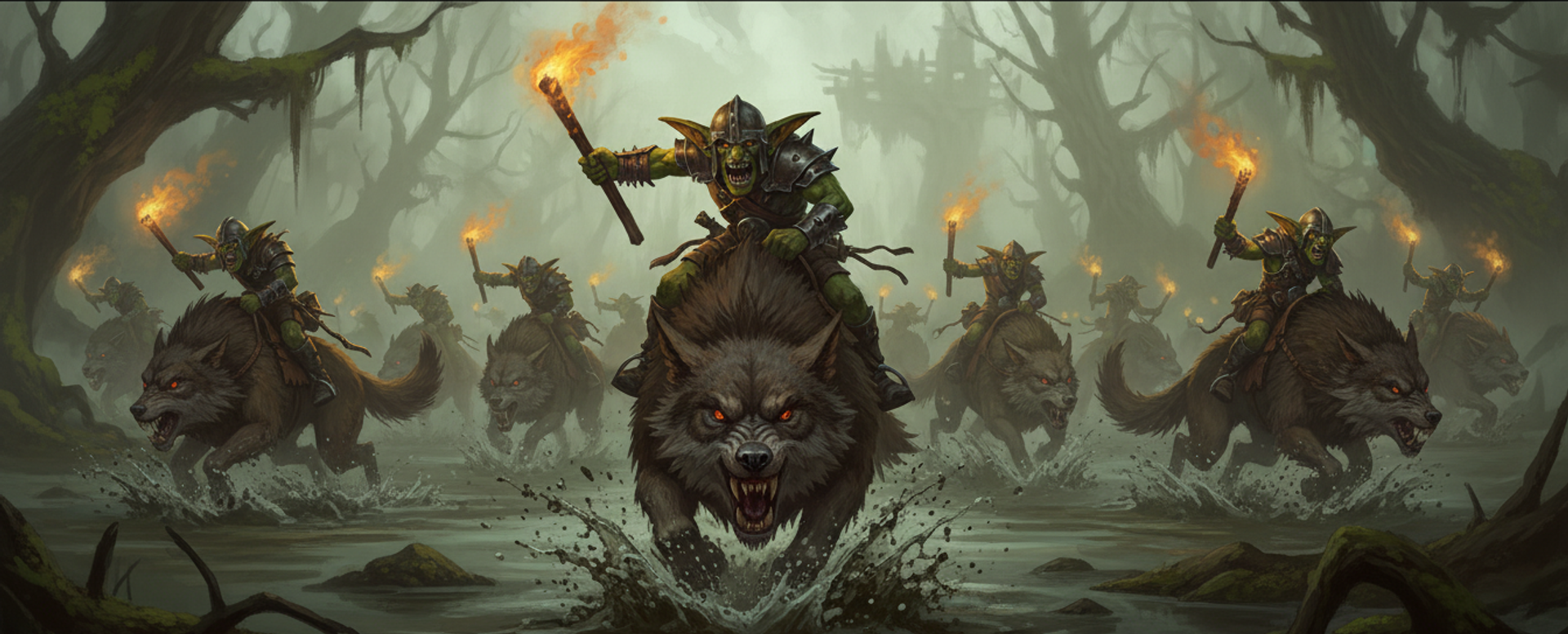
The normal way to animate a character is skeletal animation: an invisible hierarchy of joints inside the mesh, and every point on the surface bound to one or more of them, so moving a joint drags the skin with it. It is flexible, it is what every modelling tool exports, and it costs a per-character bookkeeping job on the processor every single frame — work out which frame of the animation we are on, pose every bone, hand the card a fresh set of matrices. Four hundred times a frame, that is the bill.
The way out is to stop animating with bones at all. The technique is a vertex animation texture, or VAT: instead of a skeleton, the finished animation is pre-computed and stored as an image. Across the image, one column per point on the model; down the image, one row per frame. Each pixel holds a position rather than a colour. The graphics card looks up where its own point should be right now and moves there. No skeleton, no playback, no processor work per unit. Every unit of a given type shares one shape, one material and one image, which is exactly what the graphics card wants in order to draw them all in one go, and grouping like that is where this game's draw requests collapsed.
There is very little written about doing this for the web, and the ways it goes wrong are specific enough to spell out. The headline: a unit's animation used to ship as a pair of 16-bit PNG images, 228.5 MB across the 68 units done at the time. Stored losslessly in a proper texture container instead, the identical data is 1.8 MB. Not similar data. Bit for bit the same, roughly 125 times smaller.
What comes out of it
The bake runs Blender with no window at all, driven by a small wrapper that finds the Blender install by looking at a command line flag, then an environment variable, then the shell path, then the macOS application folder. Blender samples where every point on the model is on every frame, and the wrapper repacks the result into a compressed texture and a small description file listing the animations, their bounds and how the axes are oriented.
Alongside those goes the model itself, frozen in its rest pose, carrying the one piece of extra information that makes the whole thing work: a second set of texture coordinates that says, for each point, which column of the image belongs to it. That coordinate is nudged half a pixel so it lands in the middle of its column rather than on the boundary between two completely unrelated points.
Which model gets baked, and the tooling trap
There are two versions of each character on disk, because of a tooling asymmetry between the two ends of this pipeline. The one the game loads uses modern compressed textures and compressed geometry. Three.js reads both happily. Blender's glTF importer reads neither, and refuses the file outright. So the bake cannot reuse the file the game loads; it makes its own plainer intermediate on demand, caches it, and rebuilds it when the source changes.
Doing that at all is worth it, because full resolution exports carry 4K textures at 7 to 26 MB each, and shrinking them takes each model from roughly 15 to 25 MB down to 2 or 3. At the distance a strategy camera sits, the difference is invisible.
Points set the file size, not frames
File size is dominated by how many points the model has, not by how long the animation is. The AI service that generates these characters exports them at roughly 30,000 points by default, which is the shape the unit pipeline hands over. Bake that directly and each unit ships 70 to 100 MB of image, which is not a roster.
So the bake simplifies the model down to 4,000 points first, using the mode that merges nearby points together. That was chosen over the alternatives because it holds a silhouette far better on organic characters, and because it keeps texture coordinates and bone weights intact, averaging them as it goes. It takes under a tenth of a second per model, which is nothing beside sampling the frames. The simplification is for the bake only, so the original model is untouched and close-up shots still use it.
| Points | Use case | Per unit total |
|---|---|---|
| 4,000 | Default. Units drawn 64 pixels tall or less | ~4-6 MB |
| 6,000 | Close camera, players who zoom in often | ~6-9 MB |
| 8,000 | Hero close-ups, cinematic angles | ~9-12 MB |
| Off | Raw ~30,000 points | ~70-100 MB |
The encode, in the four decisions it actually is
Size. Width is the number of points, height is the number of frames, one pixel each. That gives a hard ceiling the default never approaches: most graphics cards cap a texture at 16,384 across, so 16,384 points is the wall and 4,000 sits a long way inside it.
Layout. Three channels carry a position, and a second image the same shape carries which way the surface faces.
Range. An image stores values between zero and one, and positions are not between zero and one, so the bake records a centre and a half-size for the model and stores everything relative to those. Those bounds must be worked out across every frame of every animation, not from the rest pose, or an arm that swings outside the resting box gets clipped off.
Precision. Storing a position at 8 bits per channel puts a worst case error of half a step on every point, independently per axis and independently per frame. That is not a subtle artefact, it is a silhouette that boils as the animation plays. There is nothing between 8 and 16 bits available on a graphics card, so 16 is the answer, and the only remaining question is how to store 16 bits without paying for them.
Why lossless compression, and not texture compression
This is the decision I would most want to read if I were building the same thing, so it gets its own section.
Ordinary texture compression assumes that pixels near each other look like each other, so a four by four block can be stored as two endpoint colours plus a blend for each pixel between them. Photographs satisfy that. This does not, as hard as an image can fail to. Two side by side columns are unrelated points that may sit on opposite sides of the model, so a block bundles four arbitrary points together and at least one of them ends up somewhere it should not be. On screen that reads as a jittering silhouette and vertices visibly bobbing.
What this kind of image does have is very strong similarity on the other axis. Neighbouring rows are neighbouring animation frames, and between two consecutive frames most points barely move at all. A general purpose lossless compressor run over the whole buffer sees that redundancy immediately. PNG cannot, because it works one row of pixels at a time, and the similarity between frames is mostly invisible from inside a single row.
| Source | Bytes |
|---|---|
| 16-bit PNG, positions plus surface directions | 228.5 MB |
| 16-bit texture container, losslessly compressed | 1.8 MB |
The whole baked folder dropped from 372 MB to 146 MB, the remainder being static geometry the repack does not touch. The encoder is built on three packages that are pure JavaScript or WebAssembly, so there is no native tool to install, and the bake falls back to PNG with a warning if any of them is missing.
There was an accidental precision win too. The old PNG path went through the browser's ordinary image decoding, which quietly reduces 16-bit channels to 8-bit on the way to the graphics card, so the extra precision the bake had always written never actually arrived. The new path uploads it as declared.
Why the axis conversion happens in two places
Blender treats Z as up. Three.js treats Y as up. The bake resolves that in two different places on purpose.
The model is exported Y-up, because the three.js loader expects Y-up and applies its own conversion, and letting the exporter do it avoids two corrections fighting each other. The image is left exactly as Blender produced it, because a flat image has no idea which way is up and there is nothing to correct. The graphics card does the swap at the moment it reads a position.
// Unpack a position out of the animation image, then hand it to three.js.
vec3 p = texture(vatPositions, uv).xyz * 2.0 - 1.0;  // stored 0..1, really -1..1
p = p * positionBounds.scale + positionBounds.center; // back to world size
p = p.xzy;                                            // Blender Z-up to three.js Y-up
The description file records that axis choice explicitly, so nothing downstream has to work it out from a screenshot of a unit lying on its side.
The bug: "die" is not inside "dead"
The first version matched the animation names coming out of the generator against the names the game uses, by looking for fragments. For death it looked for death, die and killed. The generator names the animation Dead. None of those three appears inside "dead", so the slot came out empty, and nothing warned about it.
169 of 269 bakes had no death animation at all. Wildlife came off worse: their single animation is named something machine-generated that matched nothing, so they baked to a single frozen frame instead of a walk. On screen that is a squirrel standing perfectly still in a field, which reads as an art decision rather than as a missing animation.
It was caught by a two second audit that needs no Blender: compare what every shipped description file claims against the animations its source model actually contains, and print the ones that do not match. The scale of the problem became one command rather than an inspection.
Two things stop it recurring. The bake's list of name aliases is now a verbatim copy of the game's, with a matching cleanup function, and each carries a comment naming the other. And there is a guard that reports a miss whenever a slot comes out empty although the source ships an animation the game's own rules would have matched to it. The guard builds its list of candidates from the game's table directly rather than from the bake's, because a guard that reuses the table it is checking can only ever agree with itself.
The same change fixed a second shipped bug. How many rows an animation occupies is not the same thing as how long it lasts, and the two diverge whenever a cap on frames forces resampling. A goblin brawler's death is authored at four seconds and occupies 43 rows, so dividing rows by the bake's frame rate gave 1.43 seconds and the unit died 2.8 times too fast. The description file now records a duration and a rate per animation, always positive so they are safe to divide by, and the game advances rows at the recorded rate instead of guessing.
Two traps on the browser side of the same problem
The bake runs in Blender, but this game also freezes animated characters into static shapes inside the browser, for ragdolls and for the simplified versions used at distance. Both hit the same class of bug from the other direction.
The first is that bones carry scale. These generated rigs park real scale on the skeleton, so reading raw point positions and applying the model's world transform produces a body 1.5 to 2.4 times the size a player ever sees. One warg rider came out 4.7 times too large once the render scale doubled it again. Read each point through three.js's own method that applies skinning for you instead. Surface directions are bent by the same bones, so they have to be recomputed rather than carried across.
The second is compression. Optimised model files store points as whole numbers rather than decimals, and writing decimal world positions straight back into that whole-number array collapses the model into a smear. Convert to floating point first, before baking any transform in.
Both traps share a tell: the geometry comes out the wrong size or as a flat smear, rather than as an error. So the check is mechanical. Compare the bounding box height before and after, and refuse any ratio that is not close to one. That single assertion catches both, and it costs three lines wherever you turn an animated character into static geometry.
Where this goes next
The bake is a build step, which means the interesting decisions have all moved upstream of it. Point budget, frame cap and texture size are the three numbers that decide what a roster weighs, and they are per unit rather than global, so a hero a player looks at from two metres and a trench rat that never fills 40 pixels no longer have to agree. The same instinct runs one step further in the 2D renderer, where the output is pixels rather than geometry, and that came with a memory bill of its own.


