


Every unit in this game is drawn with a dark contour around it, the way a miniature is lined before it is painted. That is not decoration. The art direction sets one requirement above every other art decision: a unit must be identifiable by its outline alone, at any zoom. In an RTS you spend most of a match looking at a hundred small shapes at once, and if a crossbowman and an ironguard read as the same blob, the game is harder to play, and not in the fun way.
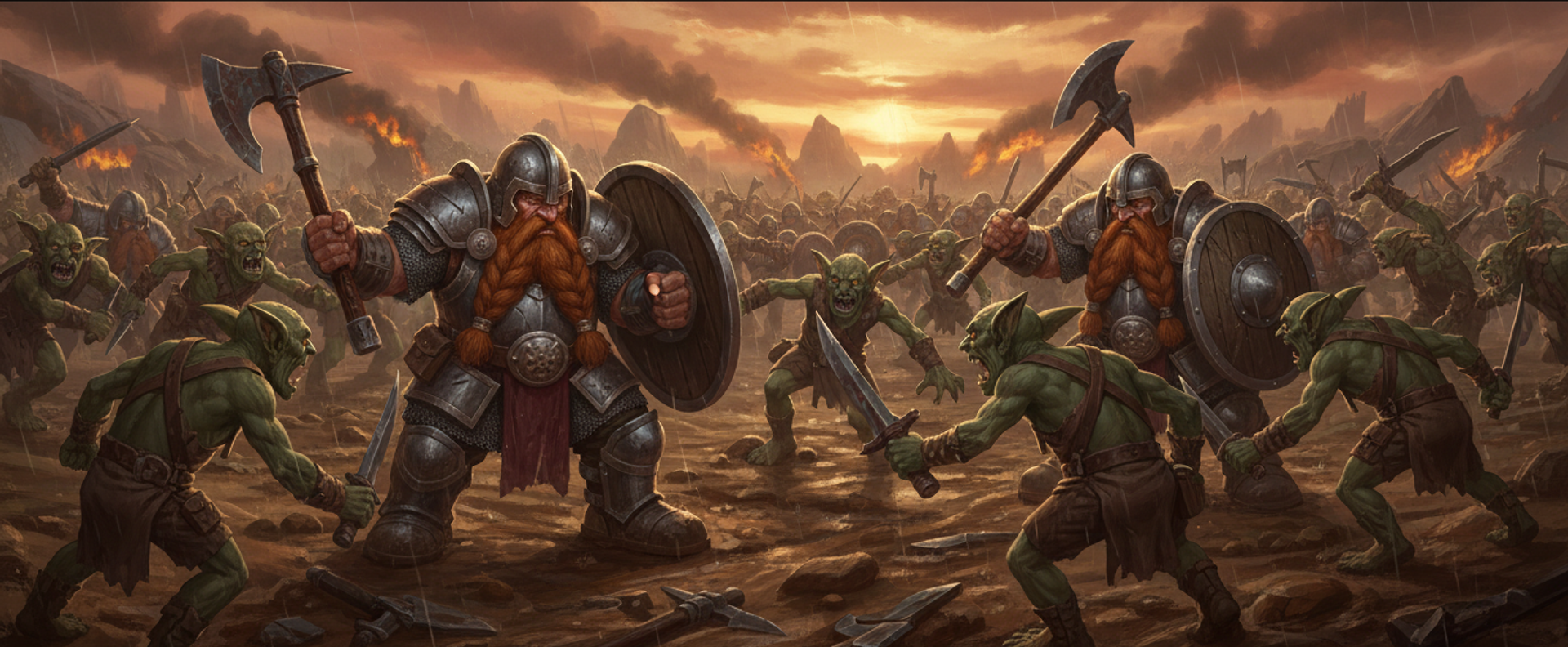
That line is the visible half of a comic-book art direction called Ink and Iron: stepped, banded lighting and inked silhouettes across animated models, crowds and distant simplified models, with attacks and spells layering procedural crescents, rings, cracks and debris over noisy ink erosion.
It is also a screen-space effect sitting on geometry that changes underneath it as the camera pulls back, and those two facts fight. It has broken twice, in ways specific enough to have names.
Width drift: a fixed screen-pixel line turns a 30 pixel unit into a blob
Up close, the outline is drawn by the standard trick for this, which is worth spelling out because everything that goes wrong below follows from it. Every surface in a 3D model has a front and a back, and the graphics card normally throws away the back ones, since on a solid object they are hidden behind the front. So: draw the unit once normally, then draw it again slightly inflated, in flat black, showing only its back faces. The inflated copy is entirely hidden behind the real one except for a fringe around the edge, and that fringe is the outline. It is called an inverted hull, and it costs one extra draw per unit and no cleverness at all.
The inflation is the part with a decision in it. Expand by a fixed number of screen pixels and the line is exactly that wide everywhere.
Which is the bug. At a normal RTS camera angle, one frame contains units at wildly different depths. The camera sits 750 world pixels back by default, and units near the top of the screen are past 2,000. The same line width lands on a unit filling 400 pixels of screen and on one standing 30 pixels tall at the top of the view. The near one reads as a clean drawn line. The far one reads as a black blob with a hint of colour trapped inside it.
Fading the outline out with camera distance cannot fix that, because a fade is one value for the whole frame and the problem is the spread of depths inside the frame. So the width tapers per vertex on how far that vertex is from the camera. At 850 world pixels or nearer, the line keeps its authored thickness, which is the close-up look the art is tuned for. Beyond that it thins toward a constant world-space width, the way a real inked drawing scales down, with a floor so it never collapses into sub-pixel shimmer. The global camera fade still exists on top, running from 900 to 1,900 world pixels, by which point the silhouettes are small enough that any outline hurts them.
The width was measured in a unit that moves
The taper was correct and the outlines still snapped between weights.
Adam's report was that outlines were chunky at some zoom levels and snapped on and off. That sentence named the cause precisely.
The authored width was a count of pixels in the drawing buffer, and the drawing buffer is not a stable unit. Its size is the device's pixel density multiplied by a resolution scale, and that resolution scale is the first lever the game's automatic quality control reaches for when the frame budget slips: 0.9, then 0.8, then 0.7. A line pinned to buffer pixels therefore covers a different amount of the screen at each step, so every quality adjustment, every performance-mode change and every monitor with a different pixel density silently rescaled the ink by up to a factor of two, instantly, and back again when the load eased.
Quality control drops resolution exactly when the scene is heavy, which is exactly when the player is zoomed out watching a big fight, which is exactly when they are looking at the outlines. Neither the depth taper nor the camera fade could compensate, because both are computed downstream in that same moving unit.
The width is now authored in CSS pixels, at 1.2, and multiplied by the live pixel ratio on the way into the shader, so it means 1.2 CSS pixels on every device, in every performance mode, at every resolution step. The number was chosen so the nominal look did not change: the old default of 1.75 buffer pixels worked out at 1.17 CSS pixels in the common case of a hi-DPI screen in balanced mode. Only the drift is gone.
The fifteen lines that hold a line's width steady
The correction is portable and small. Author the width in CSS pixels and multiply by the three.js renderer's live pixel ratio on the way in, re-running that whenever the ratio changes, which in a game with automatic quality control is not a startup event. The shader's own pixel-to-clip conversion divides the ratio back out, so the two cancel and the authored number means the same thing on a 1x monitor, a 2x panel and at every step in between.
Then taper per vertex, and expand in true screen space. That second part is where most implementations go wrong:
// After three.js's project_vertex, so gl_Position is the clip-space position.
// gl_Position.w is view depth under a perspective projection, so the taper is
// free here: full width up to a reference depth, thinning beyond it, with a
// floor so the line never drops below a pixel and shimmers.
float taper = uInkWidthScale
  * clamp(uInkTaper.x / max(gl_Position.w, 1e-4), uInkTaper.y, 1.0);

vec2 viewport = max(uViewportPx, vec2(1.0));

// Clip x and y map to pixels by DIFFERENT factors (viewport.x/2 against
// viewport.y/2), so a unit vector in clip space does not point along the screen
// normal on any non-square viewport. The offset comes out skewed toward the
// short axis, and the resulting width then depends on which way an edge happens
// to run: about 4% thin on a 45-degree edge at 16:9. Scaling by the viewport
// BEFORE normalising makes it a true screen normal.
vec2 dir = (projectionMatrix * vec4(viewNormal, 0.0)).xy * viewport;
dir /= max(length(dir), 1e-5);

// 2/viewport turns a pixel count into clip space; the gl_Position.w multiply
// undoes the perspective divide that happens after this shader runs.
gl_Position.xy += dir * (2.0 / viewport) * taper * gl_Position.w;
The portable check takes ten seconds and needs no lab. Set your renderer's pixel ratio to 1, screenshot, set it to 2, screenshot, and flip between the two at the same on-screen size. If the line changes weight, your width is authored in the wrong unit, and every user on a hi-DPI display or an adaptive resolution scaler is seeing a different drawing from the one you tuned.
Two ways of drawing one line, and they can disagree
Redrawing a fattened copy of the mesh needs a mesh to fatten. The most distant units are flat sprites with no geometry at all, so they get their outline from the picture instead: a pixel that is transparent but has an opaque neighbour is painted as ink. Four diagonal samples around the centre, five texture reads in total, which catches horizontal, vertical and corner edges without spending more.
Two mechanisms drawing one line means they can disagree, and when one level of detail has no outline at all, the disagreement is brutal. Before the sprite tier got its own path, the outline vanished the moment a unit crossed a distance boundary, while its neighbours a few tiles nearer still had one. In a pitched view, distance runs up the screen, so that reads as a hard horizontal line across the middle of the battlefield with outlined units above it and un-outlined units below. Not a fade. A cut.
Making the two agree is a question of width, and the reasoning mirrors the mesh's. Sampling a neighbour a fixed distance away in the source image keeps a constant fraction of the sprite, but vanishes when the sprite is drawn small, because the neighbour lands in the same screen pixel as the centre. Sampling a fixed distance in screen pixels keeps roughly one pixel at any distance, and one screen pixel is 3% of a near sprite and 15% of a far one, which is the blob failure again. So the sample distance follows the screen but is clamped into a band: never closer than 1.35 source pixels, so it survives minification, never further than 3.0, so it stays a small fixed fraction of the silhouette.
Both paths ink in the same blue-black, 0x111827, chosen over pure black
because a hard black cutout against the bright faction palettes reads as a hole
rather than as a drawn line.
Buildings were drawing two outlines, and nothing could turn one off
The most expensive ink bug had nothing to do with width and was not visible at all.
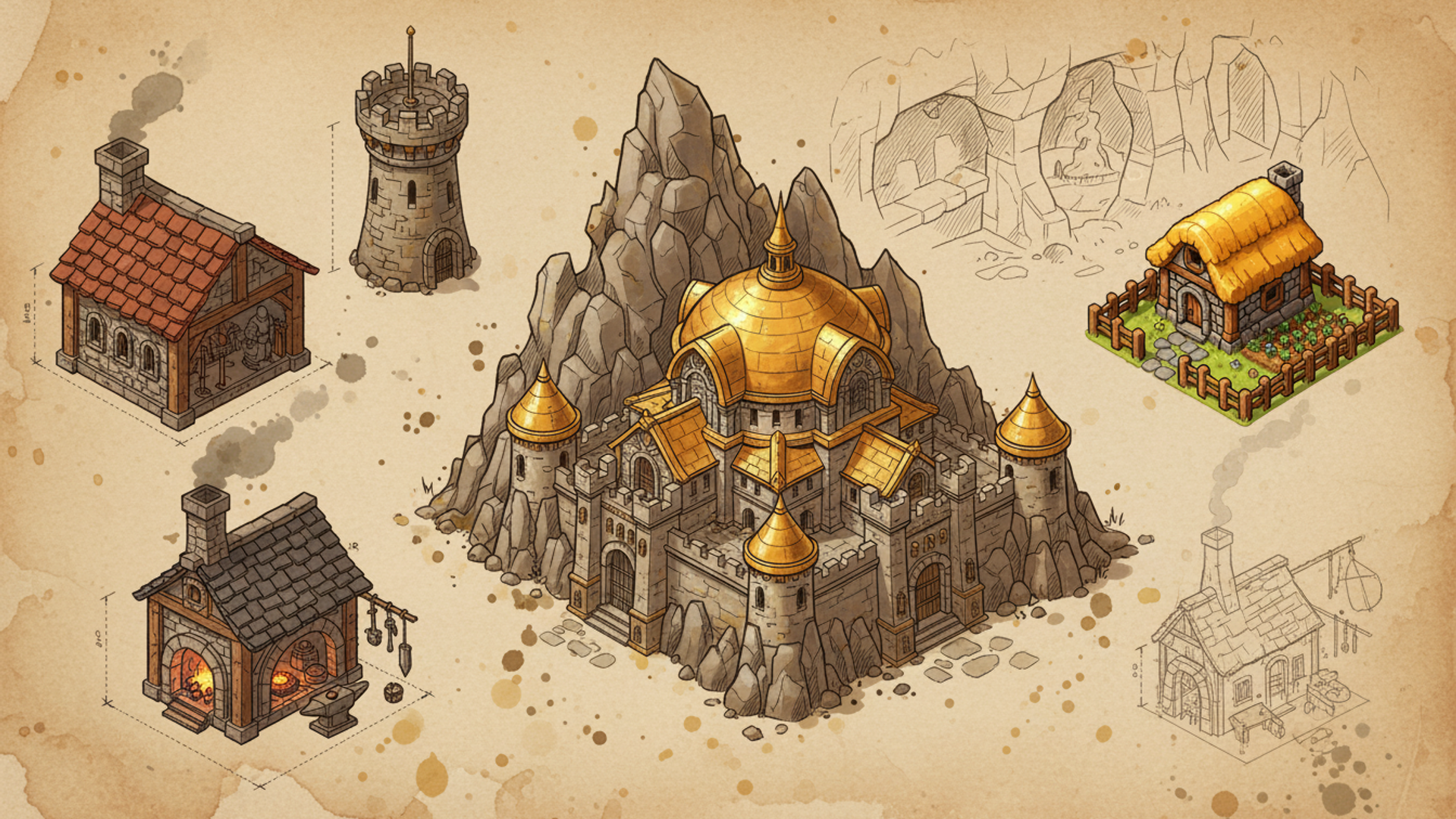
Buildings are pre-merged into a single lump of geometry so they can be drawn cheaply in bulk. That merge started from a copy of the model, and the copying helper adds outline shells to everything it returns, because whatever normally asks for a copy wants a fully dressed unit. So the outline shells were merged into the building's own geometry as a second set of triangles. The renderer then gave that set its own draw call and, since it looked like ordinary geometry, its own outline on top.
Four draw calls per building type instead of two, double the triangles, and an ink toggle that could never remove the extra line, because that line was not registered as an outline. The fix is that the merge is now handed the model directly, without copying, which is safe because it never modifies what it walks. Building triangles fell by half at every zoom, including fully zoomed in, where the level-of-detail system does nothing at all.
It surfaced during the render audit behind measuring what actually costs frame time, and it was never going to surface any other way, because a building with two identical outlines looks exactly like a building with one.
Ten stations, three levels of detail each, one frame
The ink lab plants a station at each of ten ground distances from the camera: 0, 300, 600, 900, 1,200, 1,500, 1,800, 2,200, 2,600 and 3,200 world pixels, chosen to straddle every boundary that matters. Each station shows every level of detail side by side, 70 world pixels apart, regardless of which one the game would pick there, so a single frame covers the whole range. The one the game would actually choose at that distance is printed in the station label.
The camera is a real RTS camera, with an arm length and a pitch rather than an orbit control, so "far" in the lab means what it means in play. The most useful control is the field of view. Narrowing it magnifies distant stations without changing how far away they are, so far-off line weight can be inspected close up while the taper still sees the real distance. A second control holds the camera fade at full strength, so the per-vertex taper can be judged on its own rather than through a fade that is busy hiding it.
One small thing there is a lesson in isolation. The lab starts on procedural grass so it never waits on an asset download, then swaps in the real ground texture when it arrives, because the original complaint was specifically about a dark line against mid-green terrain, and a line judged against a flat placeholder is not judged at all. The sliders write to the same settings the game uses, and the page puts the shipping defaults back when you leave, because otherwise a lab setting leaks into a real match in the same tab. One of those settings is the art direction itself, so the whole ink treatment can be switched off in place and the line judged against its own absence.
The taper values, the fade window and the width in CSS pixels are all dialled in there against real geometry rather than reasoned about, which is the same reason the level-of-detail chain has its own lab. The lighting bands the ink shader snaps to are shared with the ported spell effects, and a test asserts the two agree, for reasons covered in making spells look like spells.
The line is now measured in a unit that does not move, tapered by depth rather than by zoom, and drawn by mechanisms that agree on weight. The next thing to put through the same treatment is buildings, which still grow their outline from full-detail geometry at every distance and have never needed to.


